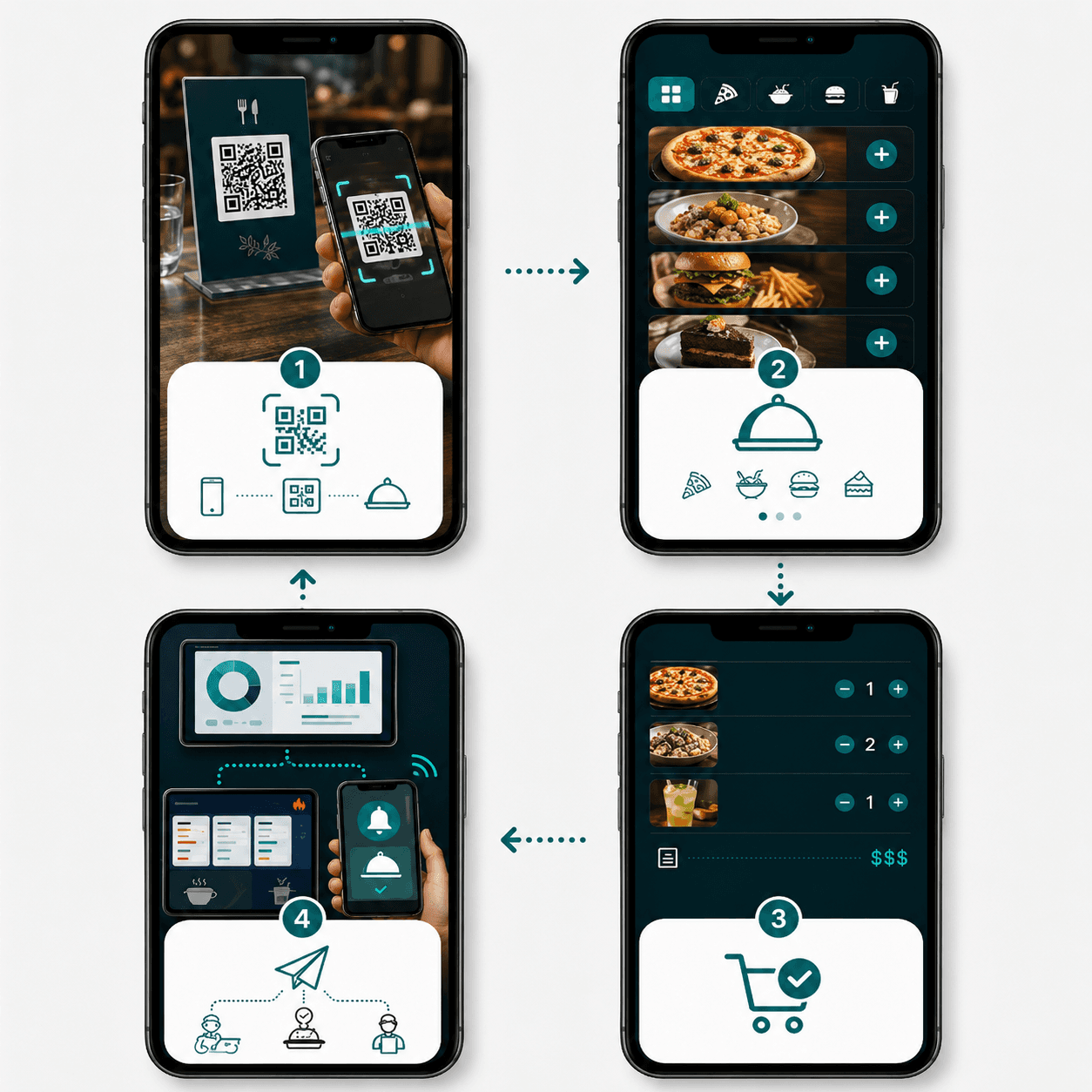
It is a busy evening and a table is ready to order. A server listens, writes the order down, walks to a fixed station, enters every item again and then returns to the dining room.
A few minutes later, the same table wants another drink. The process begins again.
None of these individual steps appears especially difficult. During a full service, however, repeated walking, duplicate entry and unclear notes consume attention that could otherwise be used for guests.
A restaurant handheld ordering system allows service staff to capture an order directly at the table using a mobile device. Products, variants, table context and notes can enter the restaurant workflow immediately and, depending on configuration, be passed to kitchen screens, printers, bar stations or other operational views.
The device itself is not the main benefit.
The real value lies in reducing unnecessary handovers while keeping service, menu information and kitchen preparation connected.
Key takeaways
- A Handheld allows service staff to record orders directly at the table with table and product context.
- It can reduce repeated entry and unnecessary trips to a fixed ordering station.
- Its value depends on accurate menu data, clear kitchen routing, reliable connectivity and staff training.
- Handheld and QR ordering can operate together rather than forcing every guest into one channel.
- Add-on rounds, changes and special requests require agreed operational rules.
- A controlled rollout should begin with one service area or workflow problem rather than every available feature.
What is a restaurant Handheld ordering system?
A restaurant Handheld is a mobile ordering interface used by service employees.
It typically runs on a suitable smartphone, tablet or dedicated mobile device and gives staff access to the information needed during table service.
Depending on the configuration, the service employee may be able to see:
- active or reserved tables
- table and area information
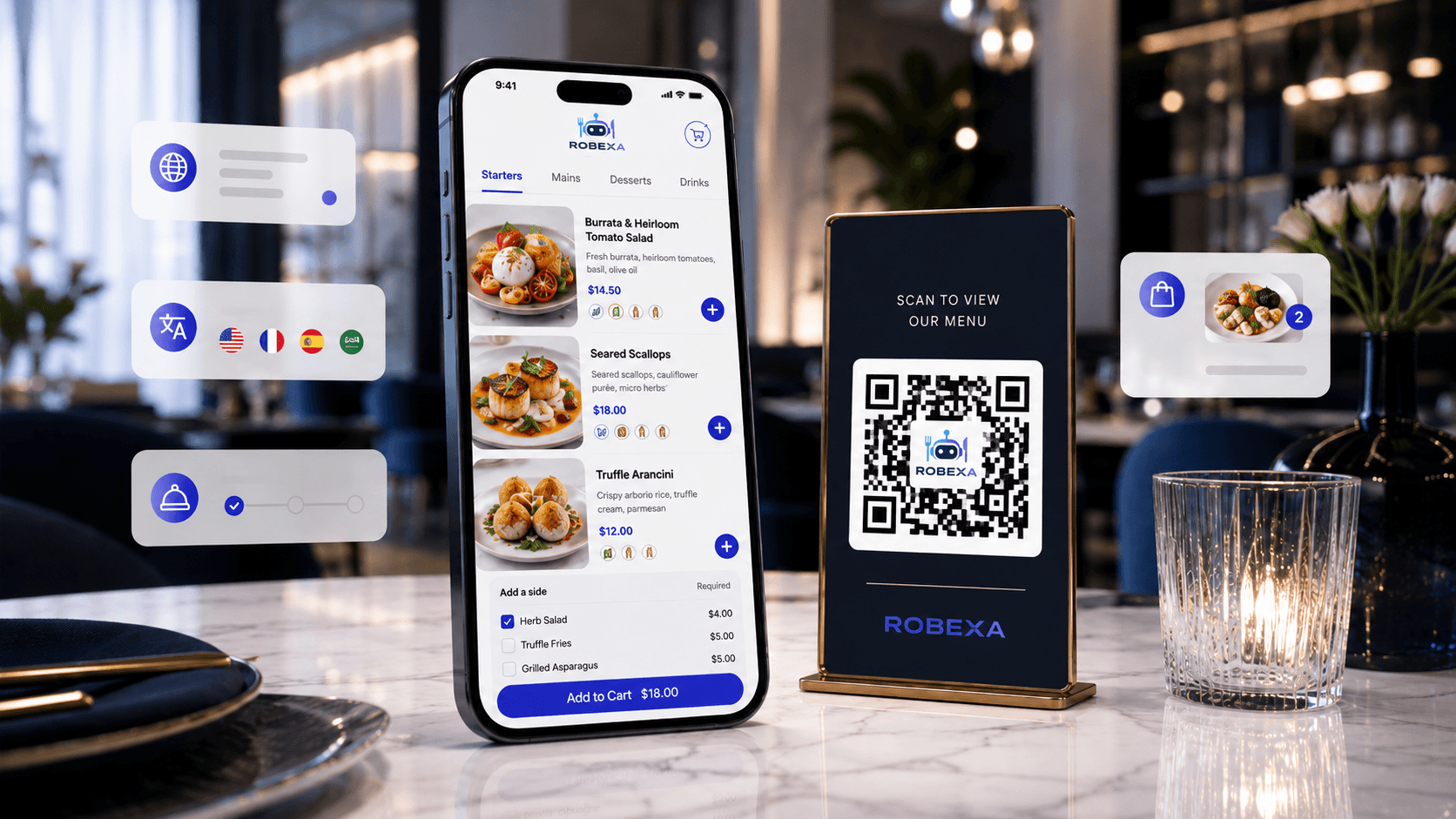
- the current digital menu
- products and categories
- variants, sides and extras
- previous or open table orders
- add-on rounds
- service or preparation status
- relevant guest or order notes
- optional payment actions
The Handheld should not simply reproduce a large desktop management screen on a small device.
It should present the actions required on the restaurant floor in a fast, focused and understandable way.
How does a Handheld order move through the restaurant?
A useful Handheld workflow includes more than selecting products.
1. The employee identifies the table
The service employee opens the relevant table, area or order context.
This prevents the kitchen from receiving a technically correct order that cannot be assigned to the correct guest or service location.
2. Products and options are selected
The employee records the dishes, drinks, quantities, sides, cooking preferences, modifiers and relevant notes.
Required options should be clear enough that important information cannot simply be forgotten.
3. The order is checked with the guest
Before sending, the service employee can review the selected items and clarify ambiguities.
This matters particularly for:
- similar product names
- size choices
- side dishes
- cooking preferences
- allergies or dietary communication
- shared dishes
- unusual special requests
4. The order enters the operational workflow
The order may be routed to:
- kitchen
- bar
- dessert station
- printer zones
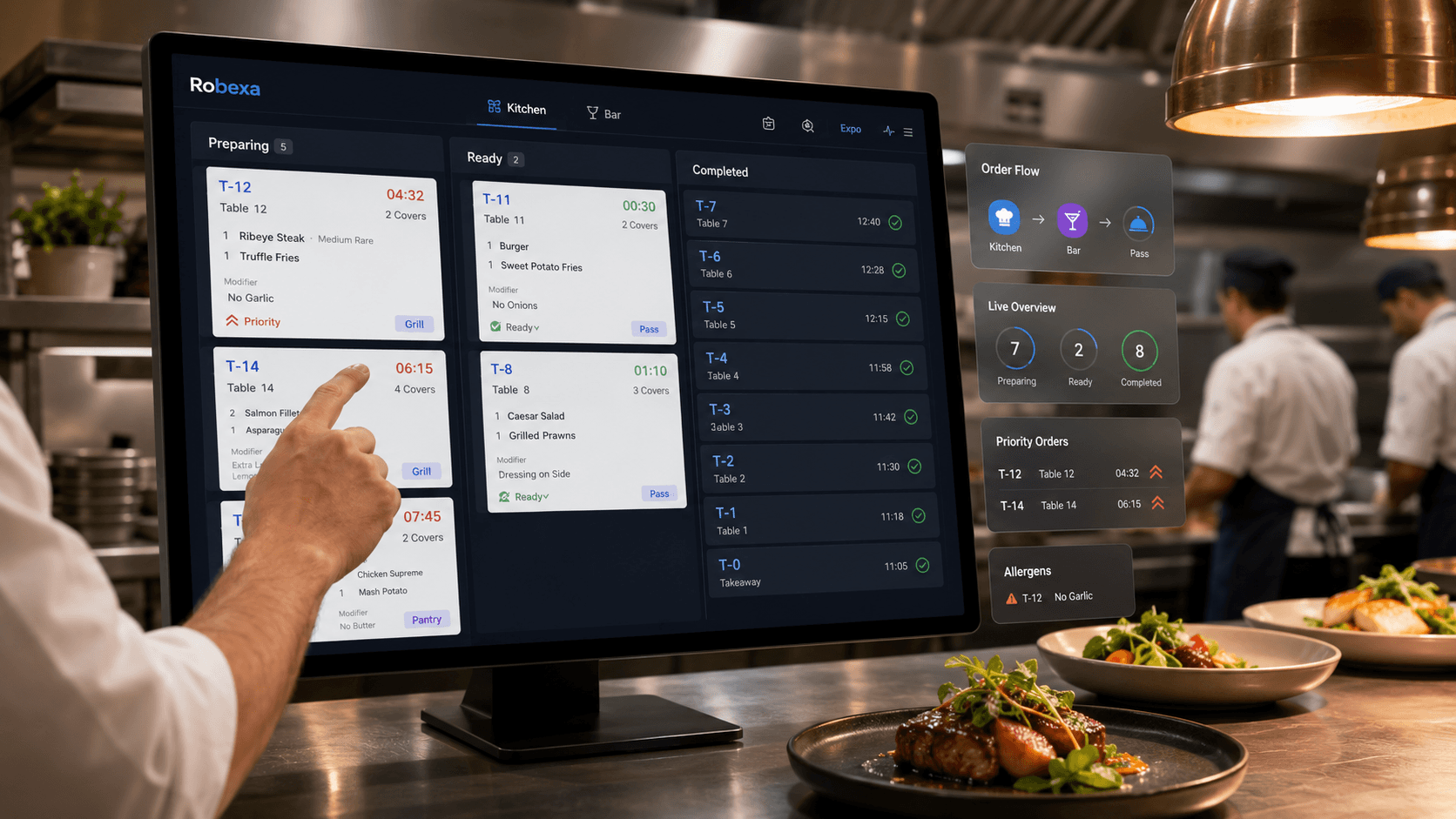
- Kitchen Display System
- pass or fulfilment view
The exact routing depends on the selected Robexa modules and the restaurant’s preparation structure.
5. The service team keeps the table context
After the first order, the same table may place another round, request another course or change an item.
A Handheld workflow should allow the team to understand what has already been ordered and what is being added.
6. Kitchen and service exchange status
Where the configured workflow supports it, preparation status may become visible to service.
This can reduce repeated walks to the pass and questions such as:
- “Has table eight started?”
- “Are the drinks ready?”
- “Which item is still missing?”
7. Handoff and payment follow the restaurant model
Service, collection or another operational role receives the completed order.
Optional payment initiation may be available depending on the configured payment and restaurant workflow. It must not be presented as automatically available for every payment method or project.
Handheld versus paper notes and a fixed ordering station
| Aspect | Paper notes and fixed station | Handheld ordering |
|---|---|---|
| Order capture | The order is first written down or remembered and later entered again. | Products and table context can be recorded directly at the guest’s table. |
| Walking routes | Staff repeatedly walk between tables and a fixed ordering point. | Many routine orders and add-on rounds can be sent without returning to a station. |
| Handwriting | Notes may be abbreviated, unclear or difficult for another employee to interpret. | Products, modifiers and structured options remain connected to the order. |
| Kitchen handoff | The final kitchen information depends on correct manual re-entry. | The structured order can be routed to the relevant kitchen, bar, KDS or printer workflow. |
| Changes | Corrections may require another note, verbal message or re-entry. | Changes can follow a defined digital process, depending on the current preparation state. |
| Table overview | The employee depends on memory, paper or a separate station view. | Active and reserved table context may remain available on the mobile device. |
| Failure mode | Paper can be lost, damaged or entered incorrectly. | The device depends on battery, connectivity, configuration and a defined fallback process. |
Neither approach should be evaluated only by how modern it appears. A Handheld creates value when it removes avoidable work without making the service interaction slower, more complicated or less personal.
Where Handheld systems improve service most
Orders are captured once
The most obvious improvement is that the server does not need to write an order and then enter it into another device.
Reducing this second entry step can lower the risk of missing a modifier, choosing the wrong product or assigning the order to the wrong table.
Staff remain closer to guests
Repeated trips to a fixed station take employees away from the dining room.
A Handheld can help service employees remain on the floor, notice when guests need attention and handle add-on rounds without leaving the area each time.
This does not mean the employee should look permanently at a screen. Device interaction must remain brief and focused.
Add-on rounds become easier to manage
Drinks, desserts and additional items are often ordered after the initial table order.
A Handheld can preserve table context and make the additional order visible as part of the ongoing service flow.
Variants and notes become more structured
Options such as cooking level, side dish, size or extras can be presented as structured selections.
Free text remains useful for genuine exceptions, but it should not be the default for information that can be defined consistently.
The kitchen receives clearer information
When menu items, modifiers and routing are configured properly, kitchen and bar teams receive more consistent tickets.
The improvement does not come from the mobile device alone. It comes from the shared product and workflow structure behind it.
Table and reservation context can remain visible
Depending on configuration, service employees may see reserved and active tables and work from the relevant table context.
This is particularly useful when the restaurant has several areas, larger terraces or frequent table changes.
What a Handheld does not solve automatically
A mobile device cannot repair an unclear service process.
It does not automatically solve:
- incomplete menu data
- poorly defined modifiers
- unclear table numbering
- weak Wi-Fi coverage
- confusing kitchen routing
- unrealistic staffing levels
- undefined responsibility for order changes
- missing fallback procedures
- inconsistent status usage
- insufficient training
- a device interface overloaded with unnecessary functions
A Handheld improves service when it removes a handover. If it adds more taps, more screens and more uncertainty, the restaurant has only moved the problem into the employee’s hand.
Handheld and QR ordering can work together
Restaurants do not always need to choose between service ordering and guest self-ordering.
A hybrid model can use both.
Handheld ordering is useful when:
- guests want personal advice
- products require explanation
- the service concept is central to the experience
- special requests are common
- the employee should guide the ordering sequence
- the guest prefers not to use a phone
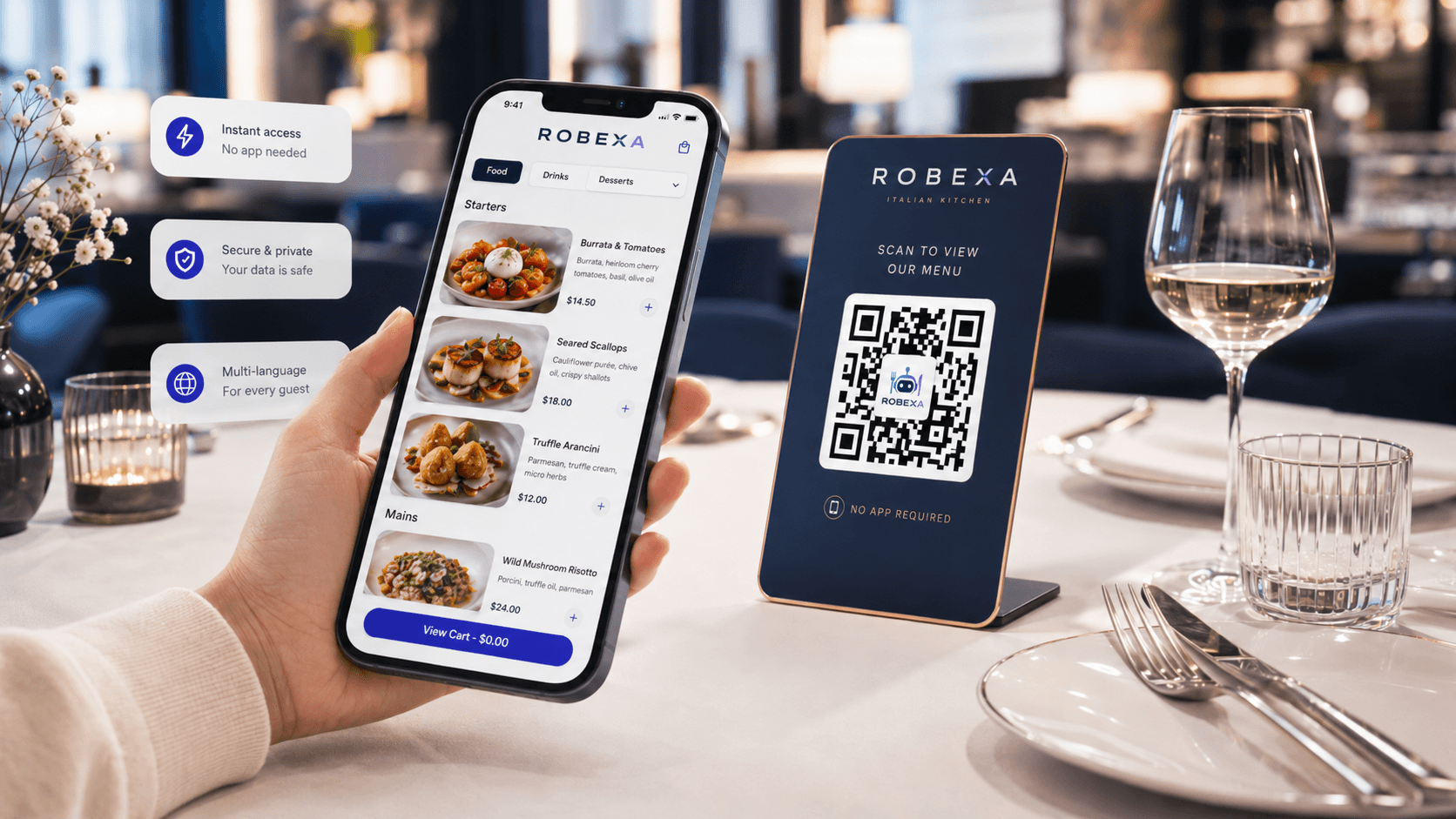
QR ordering is useful when:
- guests want to order independently
- repeat drink orders are common
- a large terrace creates long walking routes
- the restaurant wants an additional direct ordering option
- guests need a multilingual digital menu
- the service team is temporarily under pressure
Both channels should work with the same underlying menu, availability rules and kitchen routing wherever possible.
Otherwise, the restaurant creates two separate sources of product information and two operational processes that employees must reconcile.
For the guest-facing channel, see Digital Menu and QR Ordering, the practical guide QR Ordering in Restaurants and How to Design an Efficient Digital Ordering Process.
Important prerequisites before rollout
A complete and usable digital menu
Products, categories, variants, extras and required choices must be maintained correctly.
If the menu is difficult for employees to navigate, the device will slow service rather than improve it.
Clear table and area structure
Table numbers, zones, terraces and service areas must match the way employees actually describe the restaurant floor.
Reliable network coverage
Test connectivity where staff actually work:
- corners of the dining room
- outdoor terraces
- stairs
- basement areas
- private rooms
- entrance and waiting areas
- kitchen pass
- bar
A successful test beside the router does not prove that the operational area is covered.
Suitable devices
Device selection should consider:
- screen readability
- weight
- grip
- battery life
- charging
- protective case
- moisture and impact exposure
- cleaning
- replacement procedure
- device management
Do not select hardware only by screen size or price.
Kitchen and printer routing
The restaurant must decide which products reach which station.
The Handheld should not send every item to every output.
Permissions and roles
Service employees need the functions required for their responsibilities.
They should not automatically receive unrestricted access to management, pricing, configuration or unrelated operational areas.
A fallback process
The team must know what happens when:
- a device battery is empty
- a device is damaged
- Wi-Fi is unavailable
- a product cannot be selected
- an order is sent twice
- the kitchen does not receive the order
- the system is temporarily unavailable
Do not describe fallback planning as pessimism. It is part of normal restaurant operations.
Common Handheld implementation mistakes
Buying devices before mapping the workflow
The number of devices should follow the service model, shift structure, table count and handover process.
Hardware alone does not define the workflow.
Copying the complete management interface
Service employees need quick access to table, menu, order and relevant status information.
They do not need every administrative function on the ordering screen.
Using free text for everything
If standard modifiers are always entered as comments, kitchen staff must interpret inconsistent language during service.
Define structured options where the choice is predictable.
Ignoring Wi-Fi dead zones
A Handheld that works near the reception desk but fails on the terrace creates frustration and duplicate orders.
Training only the normal order
The team must also practise:
- changing an item
- cancelling an item
- an unavailable dish
- a duplicate submission
- moving a table
- another employee continuing the table
- battery failure
- lost connectivity
- kitchen non-receipt
- guest payment questions
Introducing too many functions at once
Order capture, table overview, payment and additional operational functions do not all need to launch on the same day.
Start with the workflow that solves the clearest service problem.
Measuring only order speed
A faster tap sequence is not enough.
The restaurant must also consider clarity, guest interaction, kitchen quality and employee confidence.
How to introduce Handheld ordering calmly
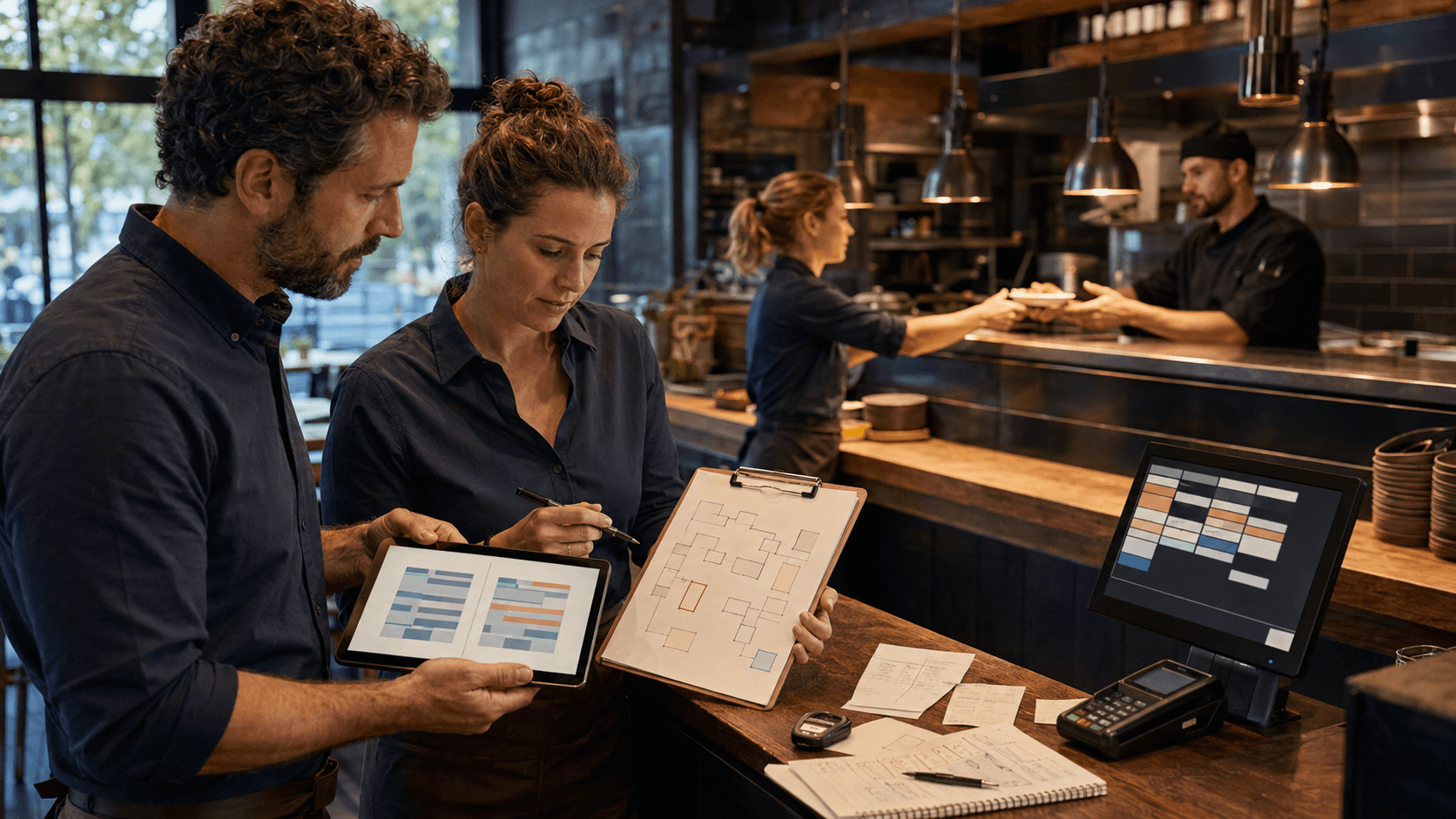
1. Observe the current service journey
Follow several orders from guest conversation to kitchen handoff.
Document:
- where employees write notes
- where they enter orders again
- how often they return to a station
- where questions arise
- how add-on rounds are handled
- how corrections reach the kitchen
- how the ready status reaches service
2. Define the first operational objective
Examples:
- reduce repeated entry
- reduce walking between terrace and station
- structure modifiers more clearly
- improve kitchen handoff
- make table status visible
- simplify add-on drink orders
Choose one primary objective.
3. Prepare the menu and table structure
Review product names, categories, modifiers, table numbers, areas and routing.
The service interface must use terms employees recognise immediately.
4. Test network and devices under real conditions
Walk the complete restaurant with the actual device.
Test:
- order entry
- table changes
- large orders
- outdoor areas
- busy Wi-Fi periods
- battery duration
- charging process
- device replacement
5. Train with realistic scenarios
Training should reproduce a real service period.
Use normal orders and exceptions.
6. Start with a controlled pilot
Begin with one area, one employee group or one service period.
Keep a fallback available.
7. Collect feedback and correct the workflow
Ask:
- Which screen takes too many steps?
- Which product is difficult to find?
- Which modifier is unclear?
- Where is the network weak?
- Which status is not used consistently?
- Which kitchen information is missing?
8. Expand only after the basic flow is stable
Add more devices, areas, QR combinations or optional payment functions only when the original workflow works reliably.
Devices, battery, hygiene and security
A Handheld is an operational tool used throughout a shift.
The restaurant should define:
- who receives each device
- where devices are stored
- how devices are charged
- when devices are cleaned
- how damaged devices are reported
- how screen locks and access are handled
- which employee roles can perform sensitive actions
- what happens when a device is lost
- how replacement devices are prepared
Device handling must be practical enough that staff will follow it during normal work.
Avoid procedures that only work when the restaurant is quiet.
How should success be measured?
Do not evaluate the project only by counting devices or digital orders.
Useful indicators include:
- number of orders entered twice
- number of unclear or corrected kitchen tickets
- average walking routes to fixed stations
- time between order capture and kitchen receipt
- number of service-to-kitchen clarification requests
- frequency of missed modifiers
- time required for add-on rounds
- staff assistance requests
- failed or duplicated submissions
- device or network interruptions
- adoption during peak periods
- employee feedback
- guest feedback
The relevant indicators should match the original problem.
A restaurant that introduced Handhelds to improve terrace service should measure terrace workflows, not only total order volume.
Which restaurants benefit most?
Full-service restaurants
Handhelds are useful when table context, personal advice and structured kitchen handoff are important.
Restaurants with large terraces
Long routes between outside tables and a fixed station make mobile order capture especially relevant.
Bars and cafés
Repeat drink orders and fast add-on rounds can be recorded without returning to a central terminal.
Hotels and mixed hospitality operations
Different service areas and guest contexts may benefit from mobile access to the relevant table or order information.
Multi-area restaurants
Several rooms, floors or service zones make floor-level information more important.
Restaurants combining service and QR ordering
Employees can continue serving guests personally while QR ordering provides an additional channel.
A very small operation with a compact room, simple menu and one fixed ordering point may receive less value from Handhelds than a larger or more complex venue.
The decision should follow the actual workflow, not the assumption that every restaurant needs mobile devices.
How Robexa connects Handheld service with the rest of the restaurant
Robexa treats Handheld ordering as part of a connected restaurant workflow.
Depending on the selected modules and configuration, service employees can work with:
- table and area context
- reserved and active tables
- centrally maintained products
- variants and extras
- add-on rounds
- kitchen and bar routing
- KDS and printer workflows
- preparation or table status
- QR ordering in parallel
- restaurant-management visibility
- optional payment initiation
Not every restaurant needs every connection.
The rollout should begin with the service bottleneck that creates the most repeated work, walking or uncertainty.
Depending on configuration, Robexa can connect the Handheld Ordering System with a Kitchen Display System, a Digital Menu, the Restaurant Management System and the broader set of modules in All Solutions.
Conclusion
A Handheld ordering system can shorten the distance between the guest’s decision and the kitchen receiving a clear order.
Its purpose is not to place more technology between staff and guests.
A good Handheld workflow reduces repeated entry, preserves table context and gives the kitchen more structured information while allowing service employees to remain present in the dining room.
The most important question is not:
“How many devices do we need?”
It is:
Which service handover currently costs the team the most time, concentration or clarity?